Free · open source · works offline once loaded
A little space for your ideas.
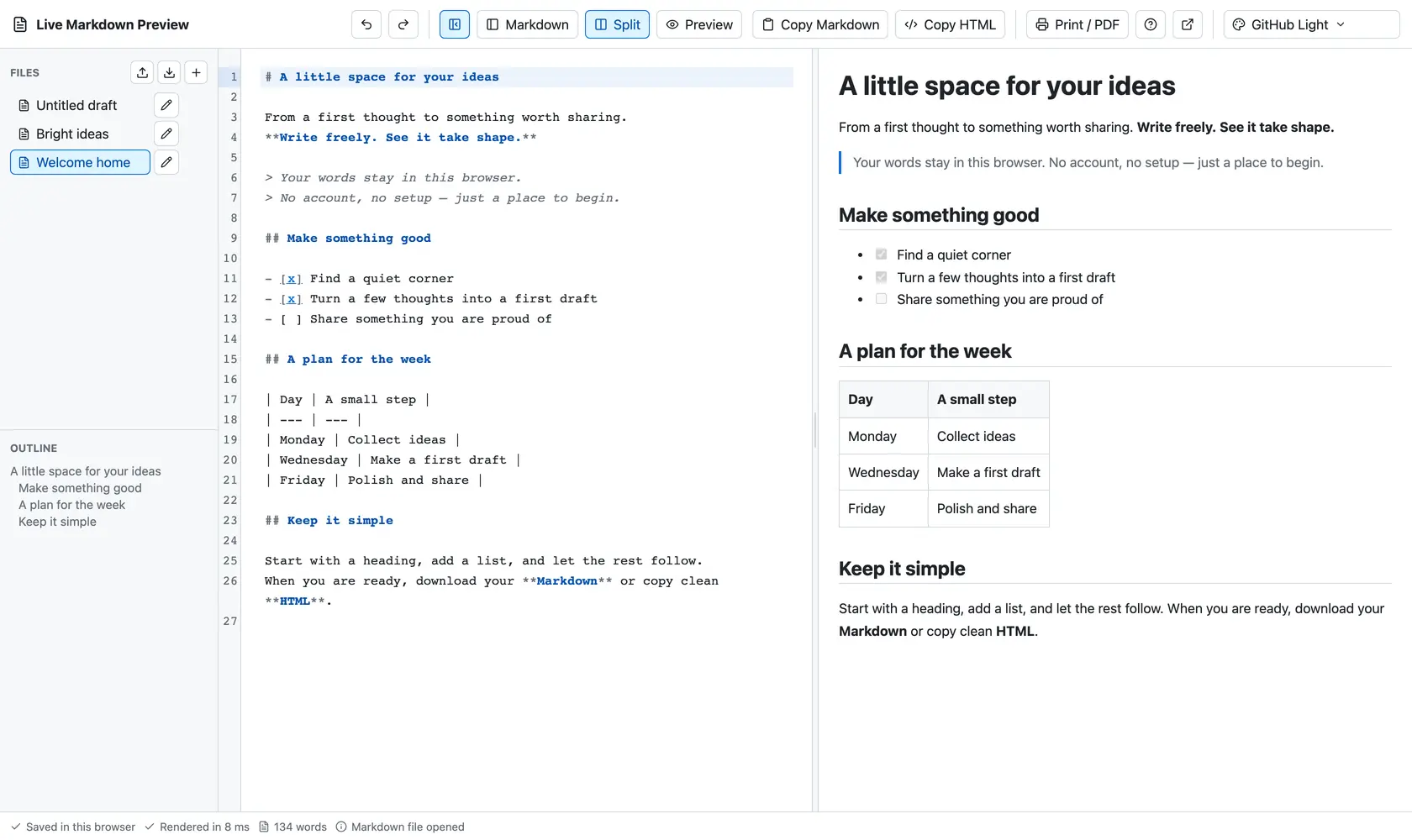
Write Markdown on the left, watch it take shape on the right. Your drafts stay in this browser: no account, no server, no tracking.
Free · open source · works offline once loaded
Write Markdown on the left, watch it take shape on the right. Your drafts stay in this browser: no account, no server, no tracking.
Features
Rendering runs in a Web Worker, so even long documents do not freeze the editor.
Tables, task lists, strikethrough, autolinks and raw HTML — the way GitHub shows them.
A file sidebar, an outline of headings and a resizable split. Open and download real .md files.
Copy Markdown or sanitized HTML, ready to paste into a CMS, an email or a docs page.
The preview prints cleanly: use the browser's Save as PDF to share a finished page.
Autosave, a conflict warning when two tabs edit one draft, and recovery of unsaved edits after a reload.
The editor
Color schemes
The editor ships 19 color schemes for the source and the preview. Pick one here to repaint the demo above; inside the editor, your choice is remembered.
Privacy
CodeMirror edits the source. The page is static files, with no backend to send anything to.
unified and remark turn Markdown into HTML in a background thread.
Scripts, event handlers, frames, forms and unsafe links are removed before anything is shown.
Drafts and preferences are saved locally on this device. No analytics, no telemetry.
Local means local: drafts live only in the browser and on the address where you wrote them. Clearing site data deletes them, so download important files as .md.